Blog · Local visibility
A business with no storefront: how to set up the Google profile
Published · 13 min read
You work out of your house, or you drive to the customer, and the form wants an address you would rather not publish. The ways out most people take —make one up, rent a mailbox, leave the field however it landed— are the ones that keep the profile out of the listing. Google has a business type for exactly this, with written rules, and the setup has two steps that almost every guide describes as one.
Written only from what Google publishes in its own help pages, with the sentences quoted as written. Where no number is published, this page says so instead of filling the gap with an estimate.
The symptom
The problem is not the address. It is what you do with it.
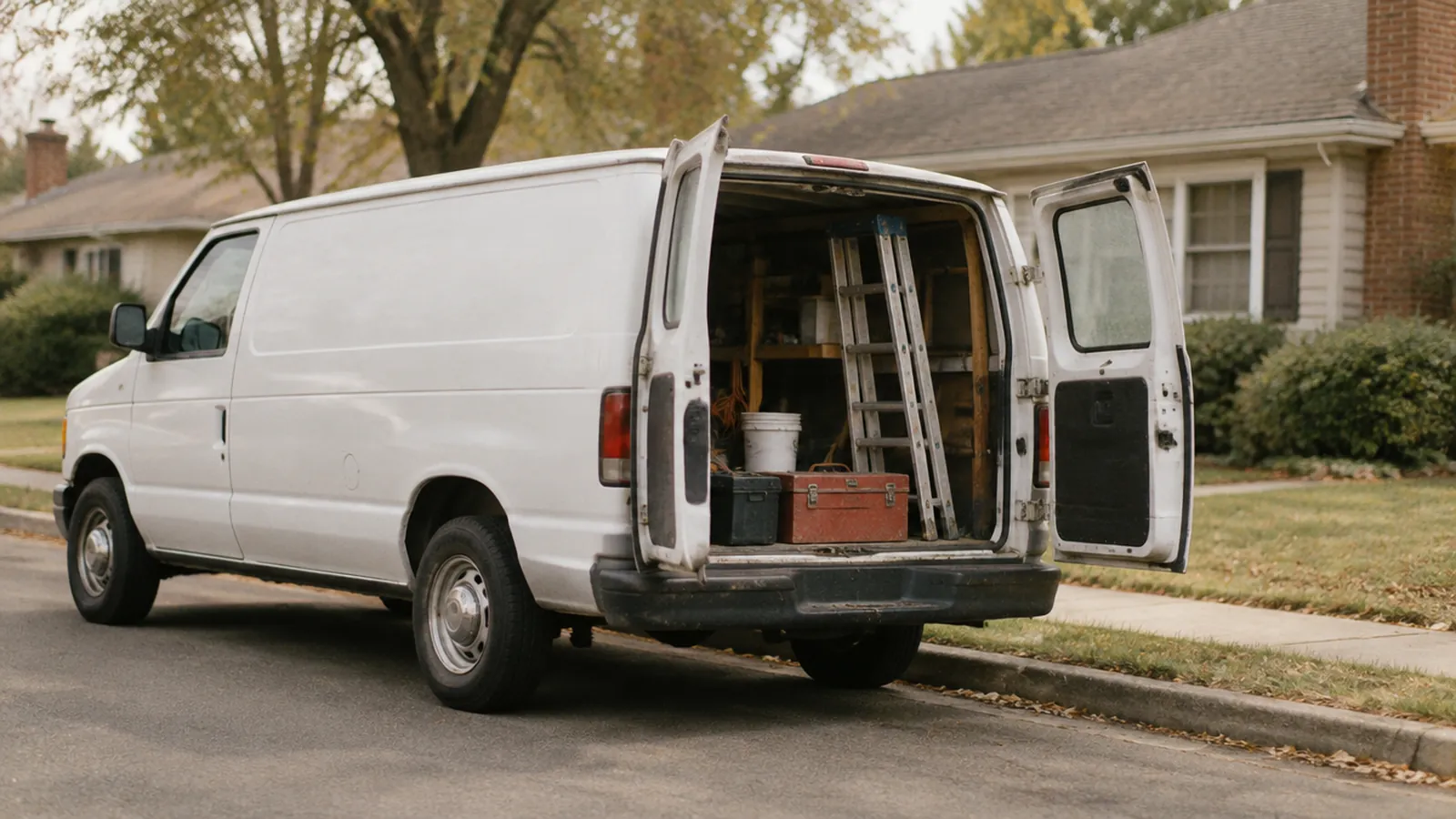
Plumbing, cleaning, remodeling, catering, locksmithing, mobile repair: real businesses, real customers, and no door for anyone to knock on. The Business Profile form asks for an address, and that is where the improvising starts. Some people enter their home and leave it on display. Some rent a mailbox at a shipping store. Some enter a co-working space they visit once a month.
All three fail for the same reason, and it is not the one usually given. Google is not asking for a storefront. It is asking where you operate from, so the business can be verified as real. What it does not want is that address shown as somewhere a customer could walk into, when it is not.
Hence the mistake almost every guide makes: it treats HIDING the address and NOT HAVING an address as the same move. They are two different things and you need both. Everything below hangs off that distinction.
The framework
Google publishes three factors. And ahead of all three, a gatekeeper.
For local results —the map pack and what you see in the Maps app— Google documents three factors in its own help pages. They are written down, by name, and they are nobody's theory. What almost nobody separates out is that ahead of those three sits a step that is not a factor and decides just as much: whether the profile enters the listing at all. With no storefront, that step is most of the game.
Relevance
How well your profile matches what the person typed: category, services and the information filled in. This is also where your website saying the same thing as your profile comes in.
Distance
How far your business is from where the search is made. Google does not publish how it calculates distance for a business with no storefront; declaring a wider area does not shorten it.
Prominence
How well known the business is, online and off: reviews, mentions elsewhere, and whatever information about it is scattered across the web.
«Service-area businesses, or businesses that serve customers at their locations, should have one profile for the central office or location with a designated service area.»
Google's guidelines for representing your business. Read it twice: it says «one profile for the central office or location» AND «a designated service area». Those are not alternatives. They are the two halves of the same setup.
The gatekeeper is eligibility. A profile with an address outside the rules does not sit lower in the order — it does not enter the order at all. That is why this article starts with the configuration checkboxes and not with reviews.
SourcesGoogle Business Profile Help: «Guidelines for representing your business on Google» and «Add or edit your service area». Both consulted on September 21, 2026.
The decisions, in order
Seven checkboxes
Seven decisions, in the order you have to make them.
This is not a fault tree, it is the setup sequence. Each block is one field on the profile, what the guidelines say about it, and the typical mistake made on it. The first three are eligibility and they come before everything else.
01
Start here · Eligibility
Are you service-area, storefront, or both at once?
The test is one question: can a customer turn up at your address, during the hours you publish, and be served there? If the answer is no, you are a service-area business. The workshop behind the house and the wrapped van do not change it: what decides is whether you receive customers at that address.
There is a third option a lot of people do not know they have. The guidelines call it a hybrid business —the auto repair shop with a garage that also offers roadside service— and those businesses can show their storefront address and designate a service area. The other six checkboxes all follow from this answer.
What to check
- A stranger, during business hours, at your address: served, or told they have the wrong place?
- If the answer is «it depends», look at who travels. If the customer travels to you, you are hybrid.
- Write the answer down before you open the profile.
02
The most repeated mistake · Eligibility
Hiding your address is not the same as not having one.
The guidelines ask for two things at once and most write-ups mention one. A service-area business has «one profile for the central office or location», and on top of that, word for word: «you should hide your business address from customers». A real location, and that location kept out of what the public sees.
Hence the two steps. First you give the real address you operate from, which is what the business gets verified against. Then you take it out of what is displayed —«if you don't serve customers at your business address, remove your address from your Business Profile»— and the profile shows the area instead of a street. Skipping the first step to reach the second faster is what keeps the profile out.
What to check
- That the address you gave is where you operate from, not the one that sounded better.
- In the profile, the service-area setting is what removes it from public view.
- Check it incognito: if a street is still showing, the second step did not save.
03
Common · Eligibility
The mailbox, the virtual office and the co-working desk are outside the rules.
The three favorite workarounds of people who do not want to publish their home are each named in the guidelines. P.O. boxes and mailboxes at remote locations are not acceptable addresses. The virtual office —renting a physical mailing address you do not operate out of— gets a sentence of its own: it is not a location eligible for a Business Profile.
Co-working is the only one that can work, and only when three conditions hold at once: clear signage, customers received at the location during business hours, and your own business staff there during those hours. These are not punishments, they are eligibility requirements: they are either met or not.
What to check
- Rule out the P.O. box, the rented mailbox and your accountant's address.
- The virtual office does not count, and that does not depend on what you pay for it.
- In a co-working space, all three conditions at once. One failure is a failure.
04
The part nobody knows · Distance
The area is not declared as a radius in miles.
This is the most widespread misunderstanding on the subject, and the help page settles it in one sentence: «You can't set your service area as a radius distance around your business. Instead you must specify your service-area by city, postal code, or another type of area.» No circle: a list of named places, and a name you enter is a place you are saying you drive to.
The two limits Google does publish are limits of the form: up to 20 service areas, and boundaries that should not be more than about 2 hours of driving time from where the business is based. They are not levers. Said out loud, because it is the question that comes next: Google publishes no number of areas and no distance that changes the order of results.
What to check
- Open the setting and check it holds place names, not a radius left from an old setup.
- Write down where you drove last month and compare it with what is entered.
- That the edges stay inside roughly two hours of driving from your base.
05
Common · Distance
Declaring more than you cover is not an advantage. It is a representation problem.
If the form allows twenty areas, the temptation is to enter twenty: three counties, half a dozen towns you have never driven to, and a couple of ZIP codes that sounded promising. Covering more territory on paper is not what that field does.
What you declare is where you work, and an area you do not work in is an untrue statement about your business: the rules governing the profile are, by name, the guidelines for representing it. And it carries a cost that has nothing to do with Google — the call from the far end of the county you cannot take, and the quote the drive eats.
What to check
- Remove the areas you have not driven to and would not drive to tomorrow.
- An area you want is declared once you actually start going there.
- Revisit the list when the operation changes, not once a year out of habit.
06
Visible from outside · Relevance
Your website names a city you do not drive to. The contradiction shows.
People with no storefront compensate on the website, and the usual way is listing cities: twenty municipalities in the footer, or a template cloning the same page with a swapped place name. If that list does not match the area on the profile, there are two public versions of where your business works, and both are out in the open.
There are places where this tangles itself up without anyone doing anything wrong. In the Las Vegas valley a business on the Strip writes «Las Vegas» in its address and sits in Paradise; one in Summerlin uses the name of a master-planned community that is not a city. Address and map do not agree. The fix is not writing more cities: it is writing the same ones.
What to check
- Put the two lists side by side and strike anything that is not on both.
- Check whether your area's name is the one the map uses or the one locals use.
- Name, phone number and contact details, identical on the website and the profile.
07
The slow part · Prominence
What replaces the storefront when there is no storefront.
A shop with a door on the street produces evidence that it exists almost by accident: foot traffic, photos other people upload, the facade on Street View, the sign. With no storefront you start with a profile that is nothing but text, and prominence —the third documented factor— has to be built on purpose.
What replaces the storefront is the work, photographed: finished jobs in recognizable places, services listed one by one in the words a customer would use, reviews from real customers asked for without offering anything in return —offering something goes against the guidelines— and a phone somebody answers, because with no door the phone is the door. Nobody can tell from outside how much each factor weighs in a result, and Google does not publish that split.
What to check
- Photos of finished jobs, not logos and not stock images.
- Services one by one, in the words a customer would use.
- Reviews from real customers, without offering discounts or gifts in exchange.
- That somebody answers the profile's phone during the hours you publish.
The short list
What you can check today, with the profile open beside you.
The same walkthrough as a list to tick off. All of it is free and you do it yourself: the Business Profile costs nothing and you can set it up without anyone's help.
- 01Answer the door test: service-area, storefront or hybrid.
- 02Confirm the address you gave is the real place you operate from.
- 03Remove that address from what customers see, and verify it incognito.
- 04Rule out a mailbox or a virtual office as your address.
- 05If it is co-working, check signage, customers received and your own staff during hours.
- 06Check the area is declared by cities or ZIP codes, not by a radius.
- 07Remove from the area any place you do not genuinely drive to.
- 08Put the website's city list next to the profile's area list and make them match.
- 09Upload photos of finished jobs and list the services one by one.
- 10Note the date of every change, so you know what moved when something shifts.
Frequently asked
What people ask us before hiring.
Can I have a Google profile if I work from home and see no customers there?
Yes. The guidelines describe that case by name: a service-area business. They say it should have one profile for the central office or location with a designated service area, and that the address is hidden from customers. Having a profile and not publishing your house are compatible.
If I hide the address, does Google stop having my address?
No. Hiding it changes what a customer sees on the public profile, not the fact that the business operates from a real place. The guidelines ask for both at once, which is why the shortcut of giving no address at all does not work.
Can I use a mailbox or a virtual office as my address?
No. The representation guidelines name both cases. On mailboxes they say P.O. boxes and mailboxes at remote locations are not acceptable. On the virtual office, that renting a physical mailing address you do not operate out of is not an eligible location.
How many service areas should I declare?
The ones you actually cover. Google publishes two limits of the form —up to 20 areas, and boundaries that should not exceed about 2 hours of driving time from your base— but it publishes no number of areas and no distance that changes the order of results.
Can I just set a twenty-mile radius around my house?
No, and this is the one that surprises people most. The help page says it plainly: you can't set your service area as a radius distance around your business; you must specify it by city, postal code, or another type of area. A profile still showing a radius comes from an old setup.
I have a shop and I also drive out. What do I enter?
Both. The guidelines call that a hybrid business and give the example of an auto repair shop with a garage that also offers roadside service: it can show the storefront address and designate a service area. The condition is that customers really are served at that address.
How long does an address or area change take to show up?
Google does not publish a timeframe. Some edits go through a review before appearing and others do not. Any specific number you are given is that person's estimate rather than a figure from Google, which is why this article does not give one.
Further reading
The articles that follow this one.
Why your business does not appear on Google Maps
If the area is set and the profile still does not show, that article orders the eight possible causes and separates a profile that is out of the listing from one that is in it but behind others.
Read the full diagnosis →Google Business Profile suspended: what to do
An address outside the rules is one of the reasons a profile ends up suspended. What to check before requesting reinstatement, and what Google does not publish about the process.
Read about suspensions →How to optimize your Google Business Profile: which fields to fill, and in what order
With the address and area settled, the rest of the profile's fields, in the order they get touched and tied to what Google documents.
Read the field order →Google reviews: what you may ask for, and what the policy forbids
With no storefront, the customer does not see a counter before calling: they see the profile and its reviews. What Google's policy allows you to ask for in writing, and what it forbids.
Read about reviews →How much does a website cost for a small business
With no storefront, the website is the door. What the price of one depends on, and what is paid once against what is paid monthly.
Read about website pricing →